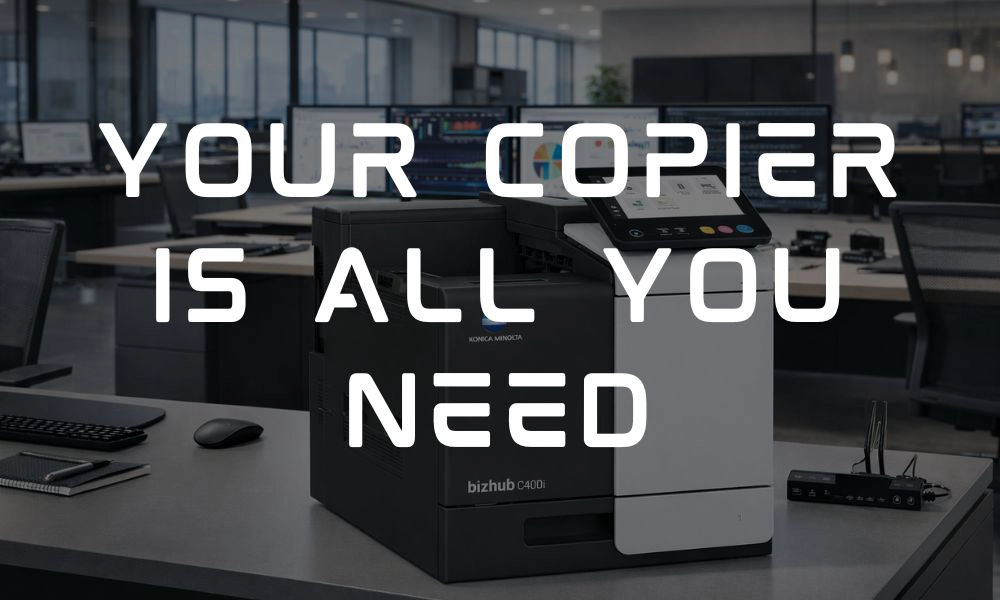
Walk into most offices and you’ll find a familiar setup: desktop printers scattered across departments, a standalone scanner, maybe a fax machine tucked away somewhere, and a copier that’s constantly in use- or constantly down.
At first glance, this may seem like a normal setup. But in reality, it’s inefficient, expensive, and difficult to manage.
Modern businesses are rethinking this approach by consolidating multiple devices into one powerful solutions: a multifunction copier (MFD). At DRP Solutions ,we help organizations streamline their copy and print environments with advanced copiers that do far more than just print.
Let’s break down how one device can replace five- and why that matters for your bottom line.
The Problem with Too Many Office Devices
Over time, most offices accumulate devices without a clear strategy. One department buys a printer, another adds a scanner, and before long, you’re managing a patchwork of machines that all serve different purposes.
This creates more problems than most businesses realize.
Multiple devices mean multiple points of failure, increased supply costs, and more time spent troubleshooting. Employees often have to switch between machines to complete simple tasks, which slow down workflows and create frustration.
And from an IT perspective, evert additional device adds complexity- more drivers, more maintenance, and more potential issues.
What Is a Multifunction Device?
A multifunction device (MFD) is designed to handle multiple tasks within a single, centralized device. Instead of relying on separate machines, businesses can manage their document needs through one integrated system.
Most modern copiers combine:
- High-speed printing
- Advanced scanning capabilities
- Copying and document reproduction
- Fax functionality (when needed)
- Cloud and network integration
Rather than juggling multiple devices, your team can complete tasks quickly and efficiently in one place.
How One Copier Replaces Five Devices
The real value of a modern copier isn’t just convenience- it’s consolidation.
Instead of maintaining a separate machines for each function, a single MFD can take over the role of several devices at once.
Here’s how that typically breaks down:
- Desktop printers: eliminated with centralized, high-volume printing
- Standalone scanners: replaces with advanced scan-to-email and cloud features
- Fax machines: integrated with faster, more reliable technology
- Old copiers: upgraded with faster, more reliable technology
- Personal printers: reduced through shared access and improved efficiency
By consolidating these functions, businesses reduce clutter simplify workflows, and improve overall performance.
The Cost Savings Add Up Quickly
One of the biggest advantages of consolidation is cost control.
Managing multiple devices means purchasing separate supplies, maintaining different service agreements, and dealing with inconsistent usage across the office. These costs often go unnoticed because they’re spread out. When you move to a single, optimized copier solution, savings become much more visible.
Businesses typically see reduced expenses in:
- Supplies like toner and ink
- Maintenance and service calls
- Energy consumption
- Equipment replacement cycles
In addition, modern copiers are designed for efficiency, delivering a lower cost per page compared to smaller desktop printers.
Improved Productivity Across Your Team
Beyond cost savings, consolidation has a direct impact on how your team works.
When employees no longer need to search for different devices or troubleshoot multiple machines, they can complete tasks faster and with less frustration.
For example, instead of printing a document on one machine, scanning it on another, and emailing it from a computer, everything can be done in one place- often in just a fe steps.
This streamlined workflow reduces downtime and helps employees stay focused on higher-value work.
A Simpler Experience for IT
IT teams often bear the burden of managing fragmented print environments.
With fewer devices to maintain, IT can spend less time on:
- Installing and updating drivers
- Troubleshooting connectivity issues
- Managing supply inventory
- Responding to service requests
Instead, they gain a more controlled, centralized environment that is easier to monitor and support. This shift allows IT teams to focus on more strategic initiatives rather than day-to-day printer issues. /
Better Security and Control
Many businesses don’t realize that every connected device, including printers, can pose a security risk. By consolidating into a modern copier, you gain access to built-in security features that help protect sensitive information.
These may include user authentication, secure print release, and data encryption. With fewer devices on the network, it’s also easier to manage access and maintain compliance.
Security becomes simpler- and stronger.
The Bottom Line: Less Equipment, More Efficiency
Managing multiple office devices may feel like the norm, but it’s far from the most efficient way to operate.
By consolidating your print, scan, copy, and fax capabilities into one high-performance copier, your business can:
- Reduce costs
- Improve productivity
- Simplify IT management
- Strengthen security
- Create a more streamlined workplace
At DRP Solutions, we help businesses design smarter print environments that eliminate inefficiencies and support long-term growth.
Ready to Simplify Your Office?
If your workplace is juggling multiple devices and rising costs, it may be time for a better solution.
Contact us today to learn how a modern multifunction device can replace outdated equipment, streamline your workflows, and deliver measurable savings.
Because smarter offices don’t need more devices- they need the right one.